(make-mesh 'restrict-point)
Description
Take a point (or several points) from a mesh to make a new mesh. This function is helpful to extract a sub mesh from an original mesh.
Syntax
(make-mesh 'restrict-point mesh point(s))
Parameters
mesh The mesh from which the point (or list of point) is (are) extracted. point(s) The point (or a list of point) given by its (their) number(s) in the mesh (see wiew 'mesh to visualize the numbering).
Example
Build your own mesh using the mesh tools: duplicate. . . , add, make-mesh. . . ) or simply read a file (for example diapason.mesh) and visualize it
(define diapason (make-mesh 'read-from-file \"diapason.mesh\"))
(view 'mesh diapason)
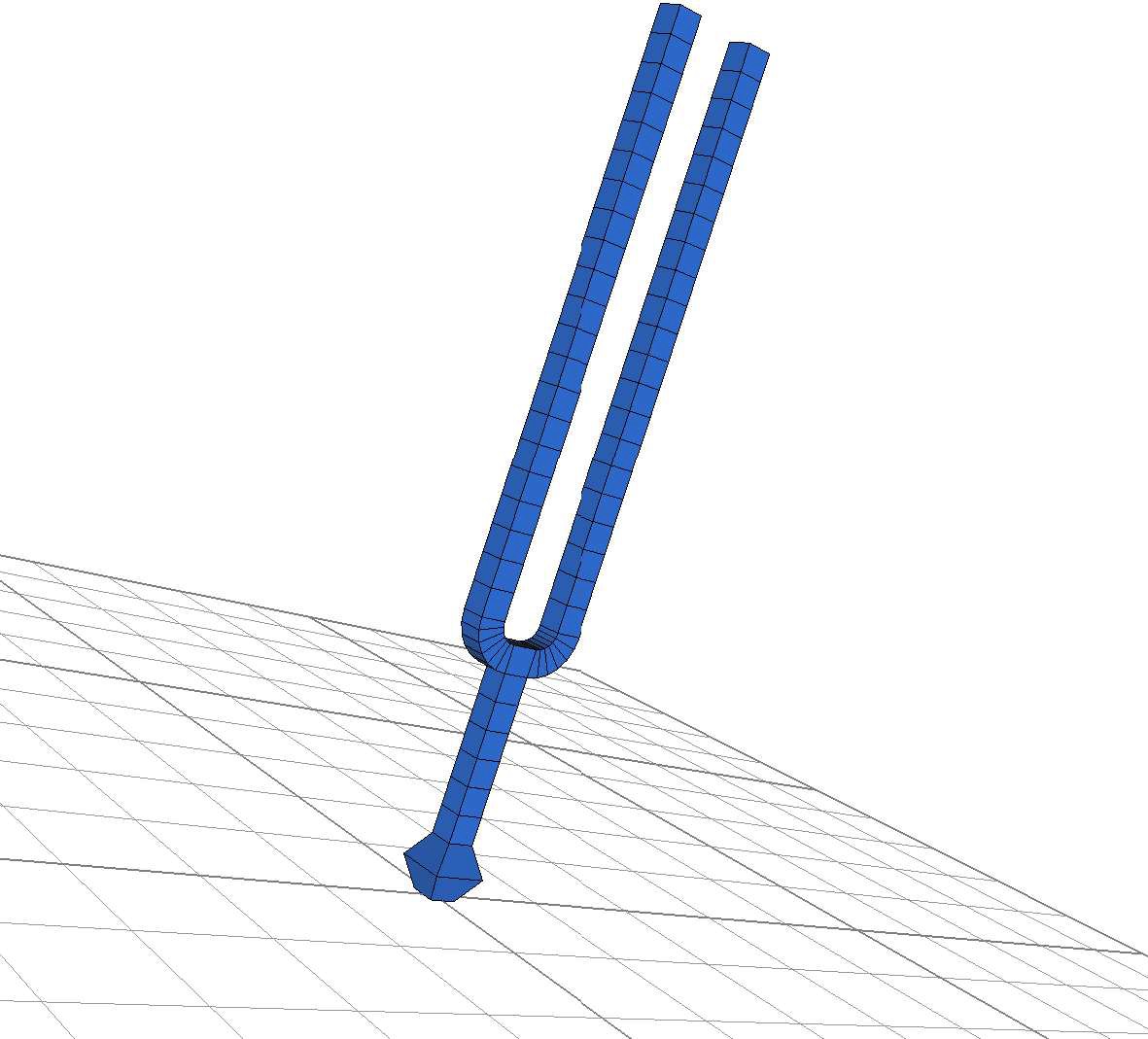
Extract a point (define point3 (make-mesh 'restrict-point diapason 3)) or a list of point (define points (make-mesh 'restrict-point diapason (vector 1 2 3))) to define two finite element objects blocked by different ways (define fem1 (make-object 'finite-element (mesh diapason) (block point3))) (define fem2 (make-object 'finite-element (mesh diapason) (block points))) Visualize the objects (view 'object fem1) (view 'object fem2) Use the key 'c' and 'g' in the medit application to see the choosen boundaries.