(compute-modes)
Description
This function calculate the mode of vibration of a finite element object. Mind the fact that each time a finite element object is defined, modes must be calculated in order to process a sound synthesis. This implies that the creation of a finite element object must be followed by the function compute-modes. It is not the case with other objects where this computation is implicitly done by Modalys.
Syntax
(compute-modes my-finite-element-object)
Parameters
my-finite-element-object The modes of vibration will be computed for this object.
Example
Read a file (for example diapason.mesh) in order to assign a mesh to a finite element object. Give the desired parameters (see the function make-object 'finite-element. . . ) and visualize it:
(define diapason-mesh (make-mesh 'read-from-file \"diapason.mesh\"))
(define diapason-fem ( make-object 'finite-element (mesh diapason-mesh)
                                                   (modes 30)
                                                   (density 7700)
                                                   (young 2e11)
                                                   (poisson .3)
                                                   (freq-loss 0.1)
                                                   (const-loss 0.5)))
(view 'object diapason-fem)
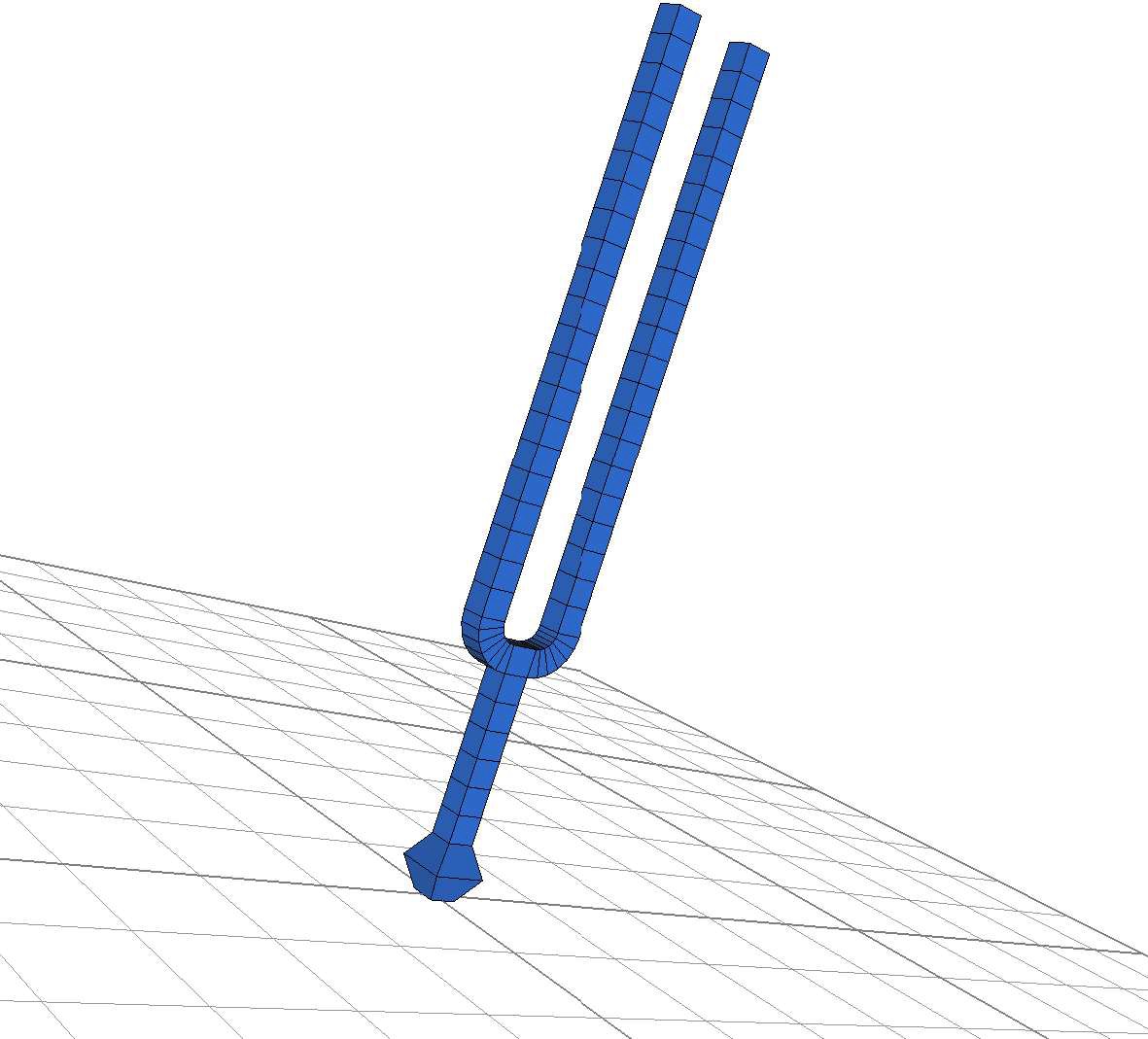
Compute the modes of vibration and visualize one of them (compute-modes diapason-fem) (view 'mode diapason-fem 18 20 5)
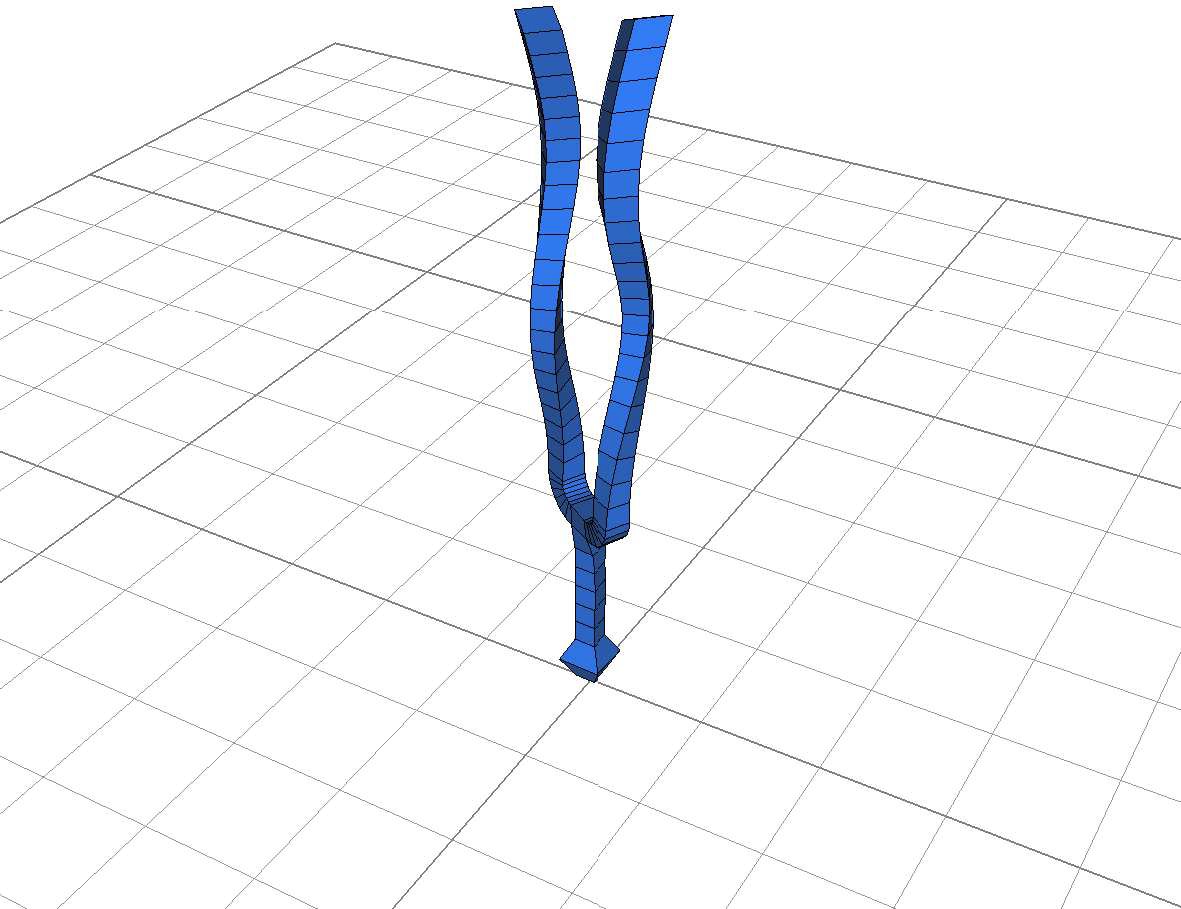
In the medit application right click to obtain the main-menu and choose 'Play sequence' in the 'animation' sub-menu. Use also the 'm' key.