(duplicate 'homothety)
Description
Constructs a mesh by duplication using an homothety. Points are extruded into lines, lines into quadrilaterals and quadrilaterals into hexahedras.
Syntax
(duplicate 'homothety mesh rep. homothety-point homothety-amplitude)
Parameters
mesh The mesh to be extruded by homothety. This mesh could be constituted by points, lines or quadrilaterals. rep. Number of extrusion. homothety-point Center homothety coordinates. homothety-amplitude Amplitude of the homthety
Example
Duplicate a quadrilateral into hexahedras by homothety
Define a mesh named my-mesh which contains a single quadrilateral (see duplicate 'translation for details) and visualize it:
(define my-mesh ( make-mesh 'single-point (vector 0 0 0)))
(duplicate 'translation my-mesh 1 (vector 1 0 0))
(duplicate 'translation my-mesh 1 (vector 0 0 0.5))
(view 'mesh my-mesh)
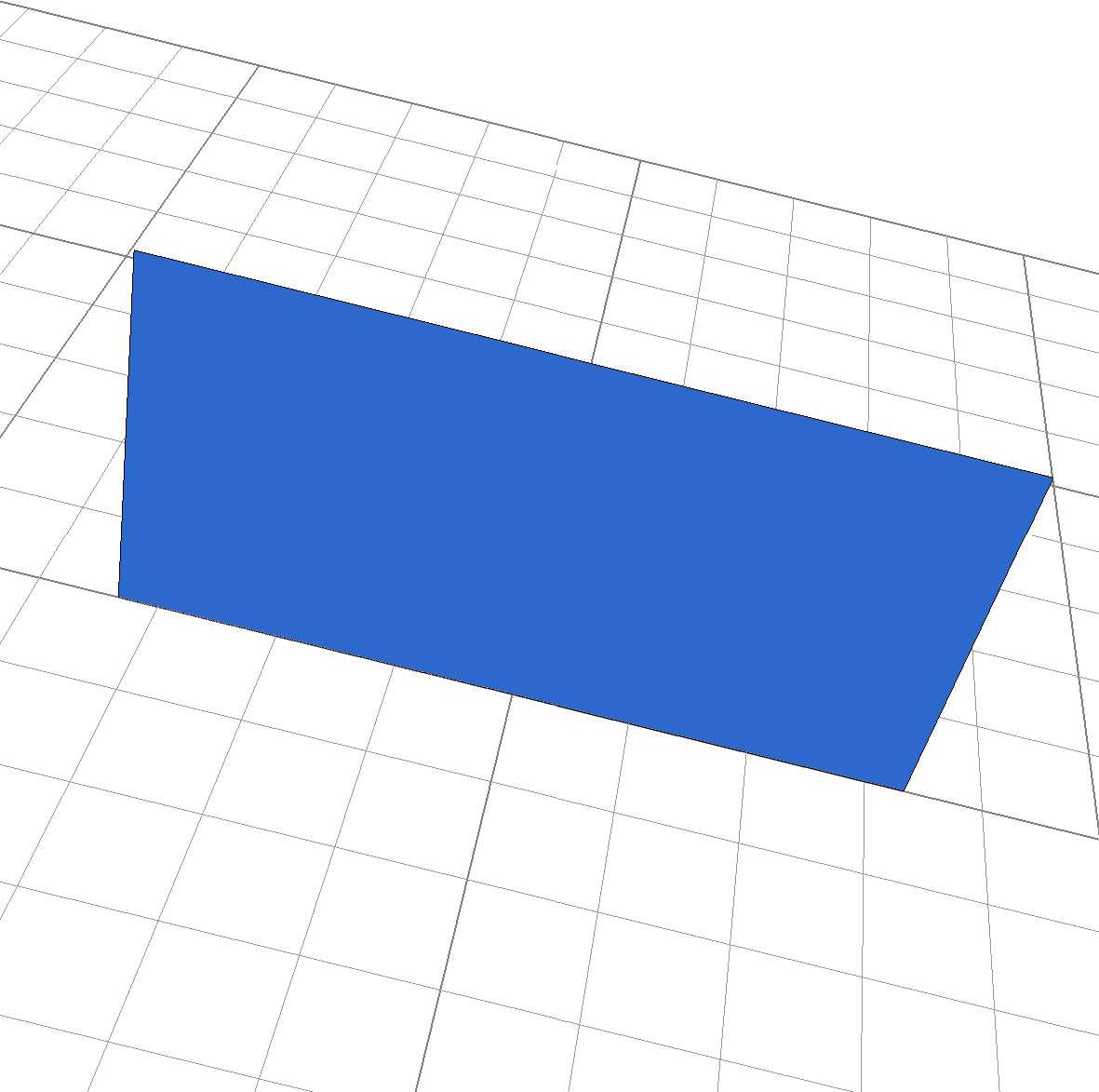
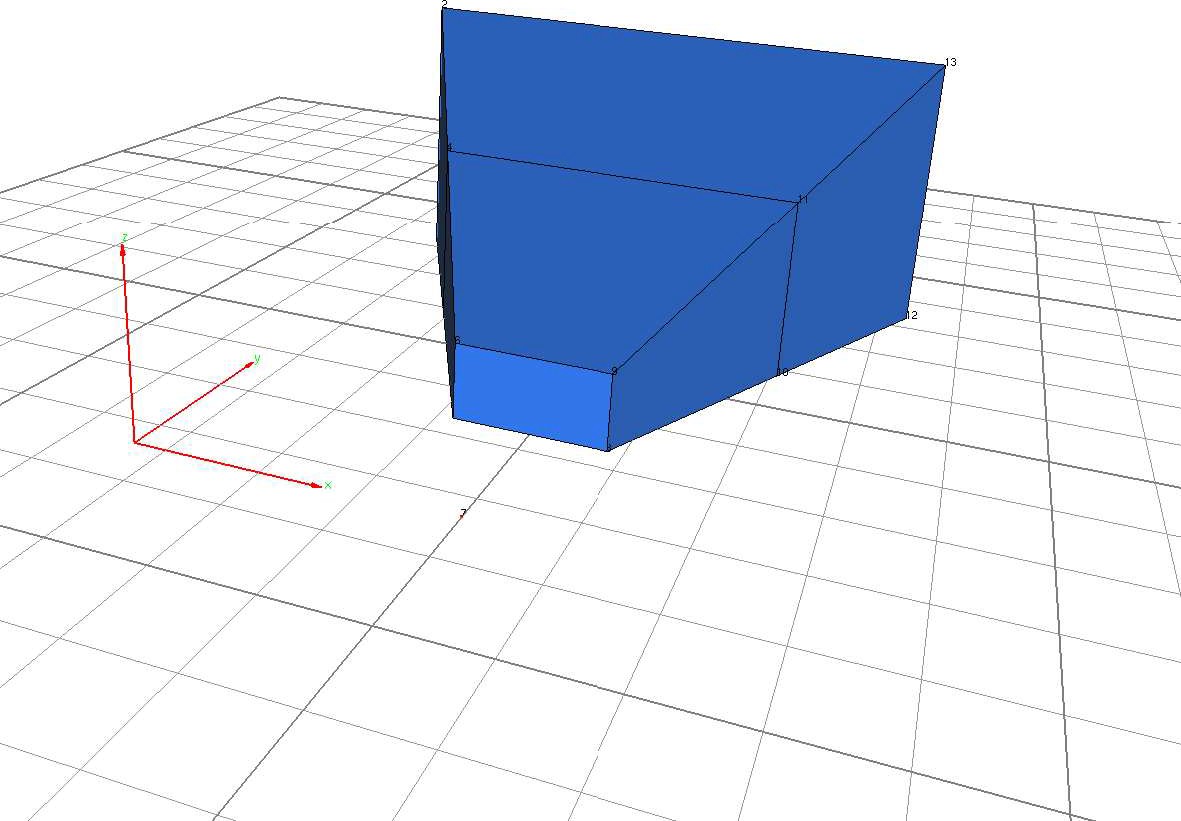
Duplicate the quadrilateral into hexahedras by an homothety (duplicate 'homothety my-mesh 2 (vector 0.5 -1 0) 1.5 ) The mesh my-mesh contains now 2 hexahedras obtained by an homothety of center (x=0.5, y=1, z=0) with an amplitude 1.5. To see the result with the homothety center, define a mesh which contains the homothety point and add it to the previous mesh (define center ( make-mesh 'single-point (vector 0.5 -1 0))) (define my-mesh (make-mesh 'add (list my-mesh center))) (view 'mesh my-mesh) In the medit application use keys 'P' and 'g'.